Bookings Is Out of Beta
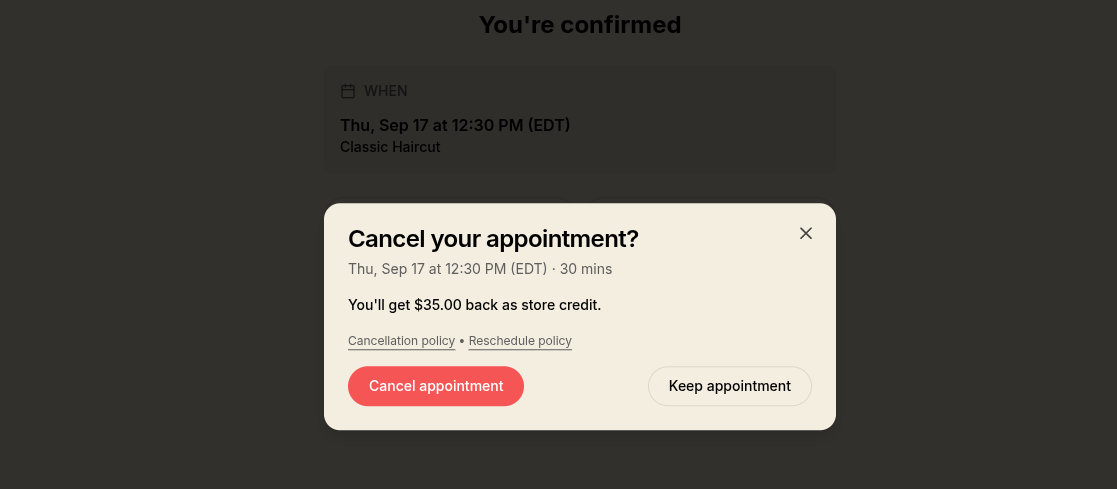
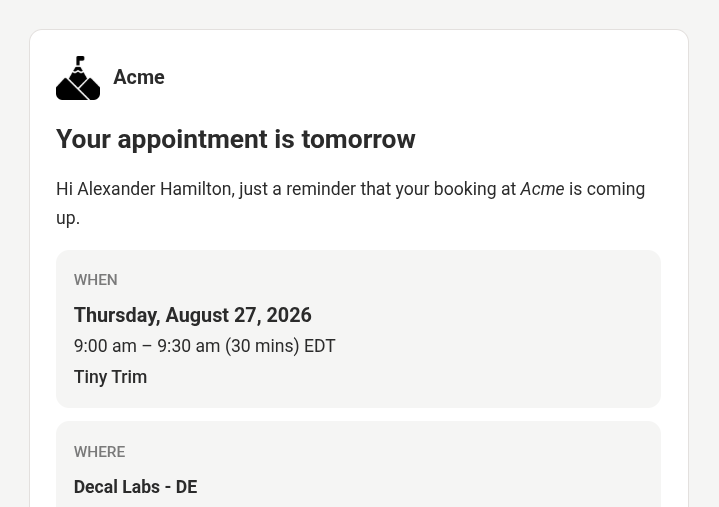
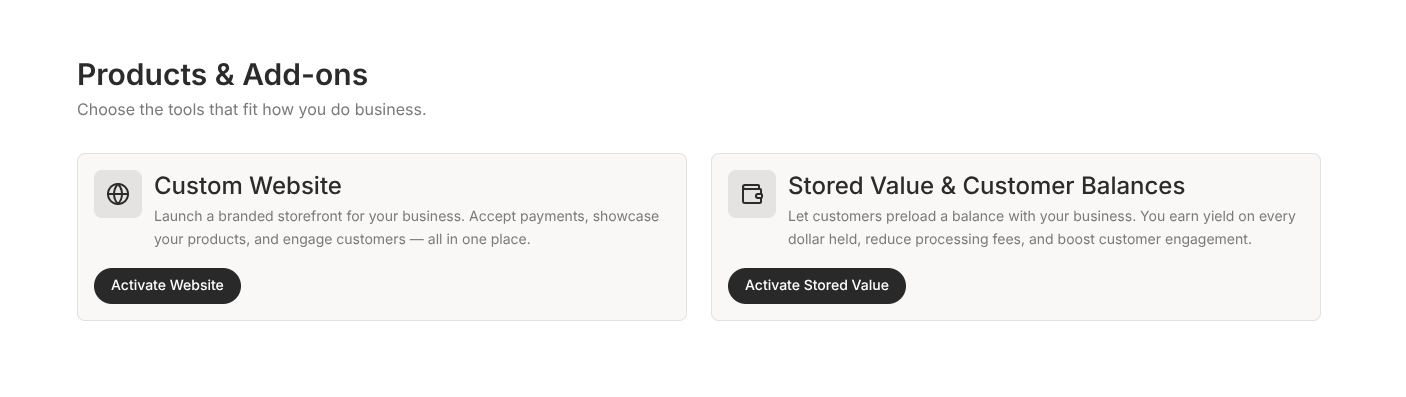
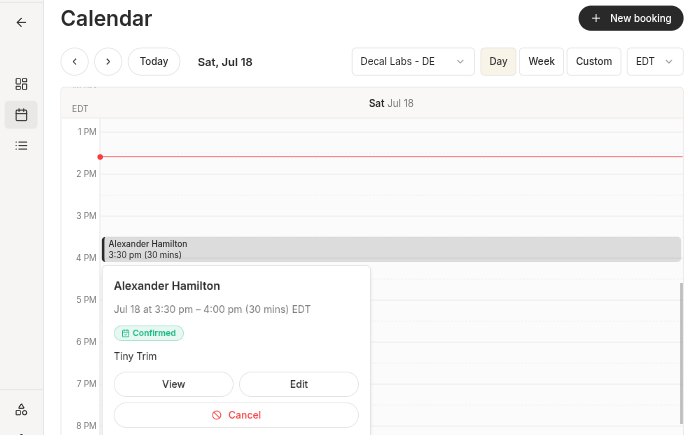
Bookings is available to every merchant now! Find it under Products & Add-ons
and switch it on to start taking appointments. Customers book from your site whenever suits them,
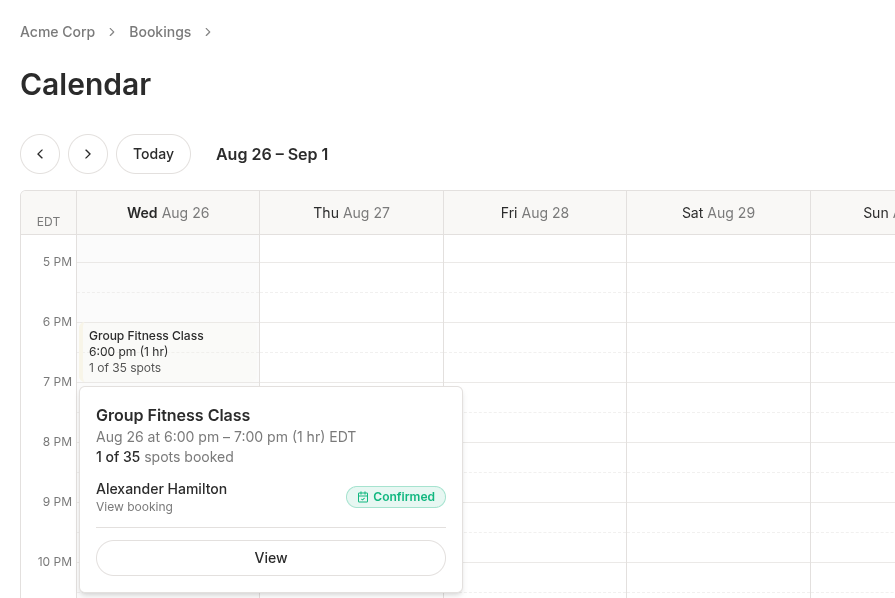
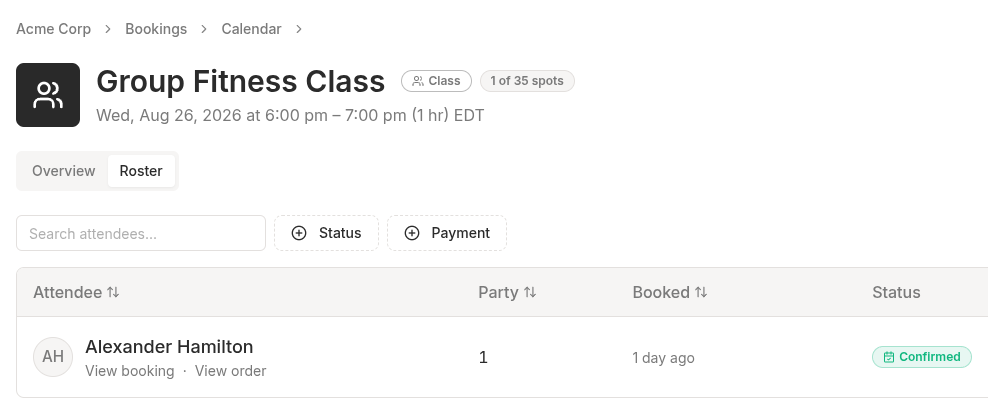
and you manage schedules, staff, and availability from your dashboard.
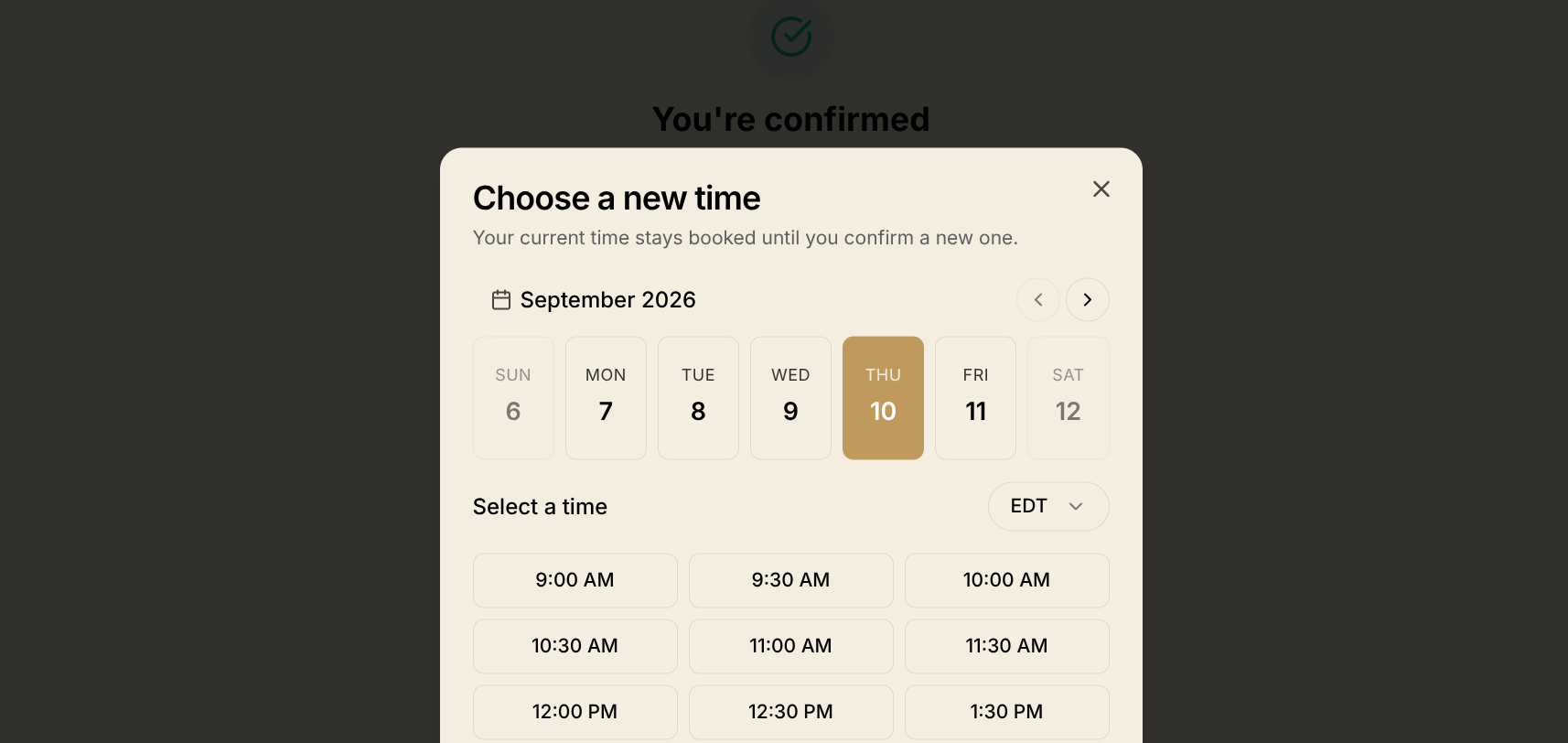
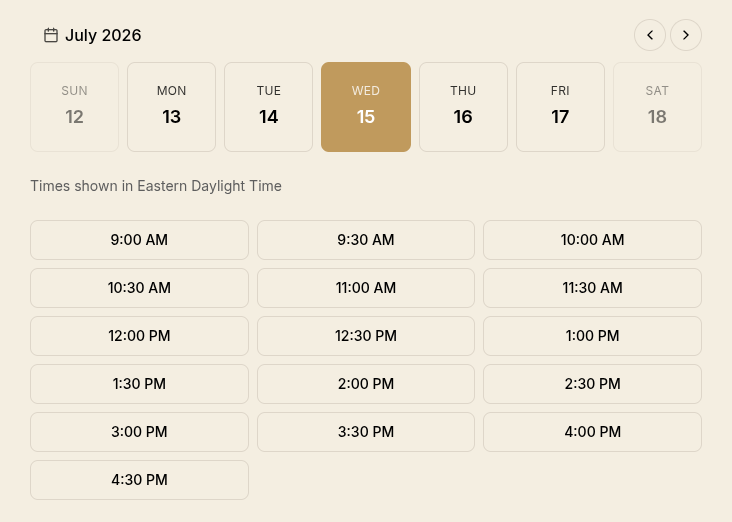
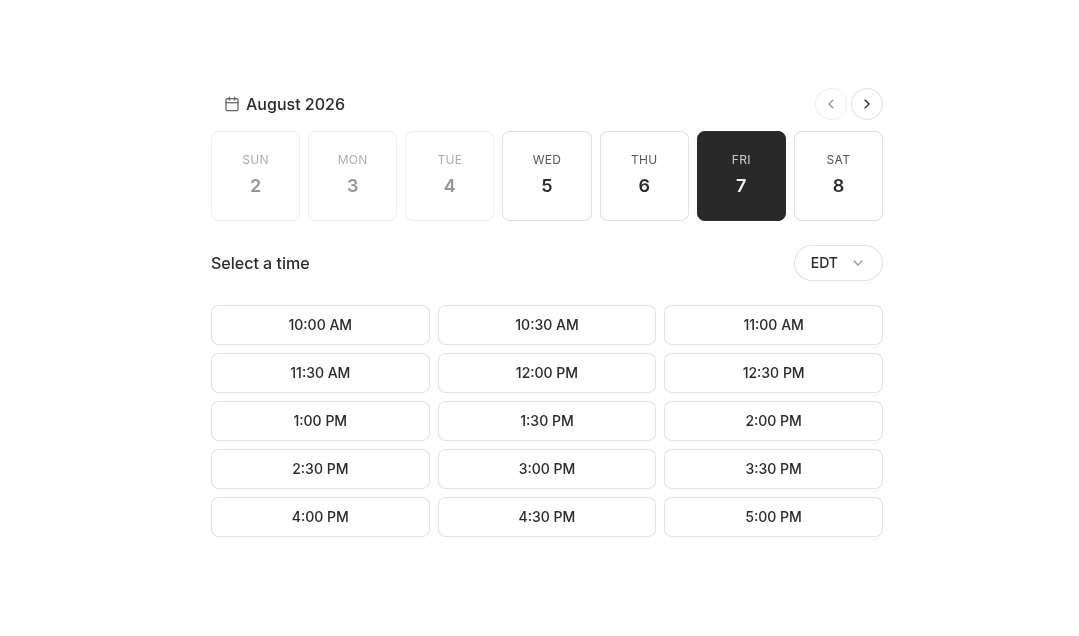 A customer choosing a date and time on a booking page
It stays opt-in. Nothing appears on your site until you turn it on, and the add-on clearly spells
out what happens if you turn it back off: your booking pages go offline, but your bookings, staff,
and availability settings are kept and come back when you re-enable it.
Booking pages for classes and events that repeat on a set weekly schedule also show only the dates
they actually run. A weekly Wednesday class lists the upcoming Wednesdays instead of a full week
strip where the other six days lead nowhere. That compact list used to appear only for offerings
built from individually picked one-off dates. Schedules that run most days of the week keep the
week-by-week strip, which is easier to page through and lets customers jump ahead with the calendar.
The Balance Page Is Now the Wallet
Your customers' account page has moved from /balance to /wallet, and reads Wallet in your
site's navigation. It's the same page. The new name makes room for everything else a customer will
hold with you, not only their balance. Every existing link, bookmark, and QR code pointing at
/balance sends people straight to the new page, so nothing you've already printed or shared needs
redoing.
Improved Customer Checkout Experience
When a signed-in customer's account was missing part of their name, checkout asked for it and then
threw away what they provided, so your dashboard kept showing them as incomplete. Checkout now
treats the name as one answer: whenever it asks, both the first and last name go onto the customer's
record, replacing whatever partial name was there.
A related problem is fixed too. A customer who signed in with no name on file and then paid for
anything had their email address stored as their first name, which is what your dashboard, receipts,
and card billing details then showed. Affected records correct themselves the next time that
customer checks out and enters a name.
Names provided in lower case are capitalized when they're saved, so "jane doe" is stored and shown
as "Jane Doe" on the customer record, the order, and the card billing details. Deliberate
capitalization is left exactly as typed, so "McDonald", "van der Berg", and an all-caps entry are
never rewritten.
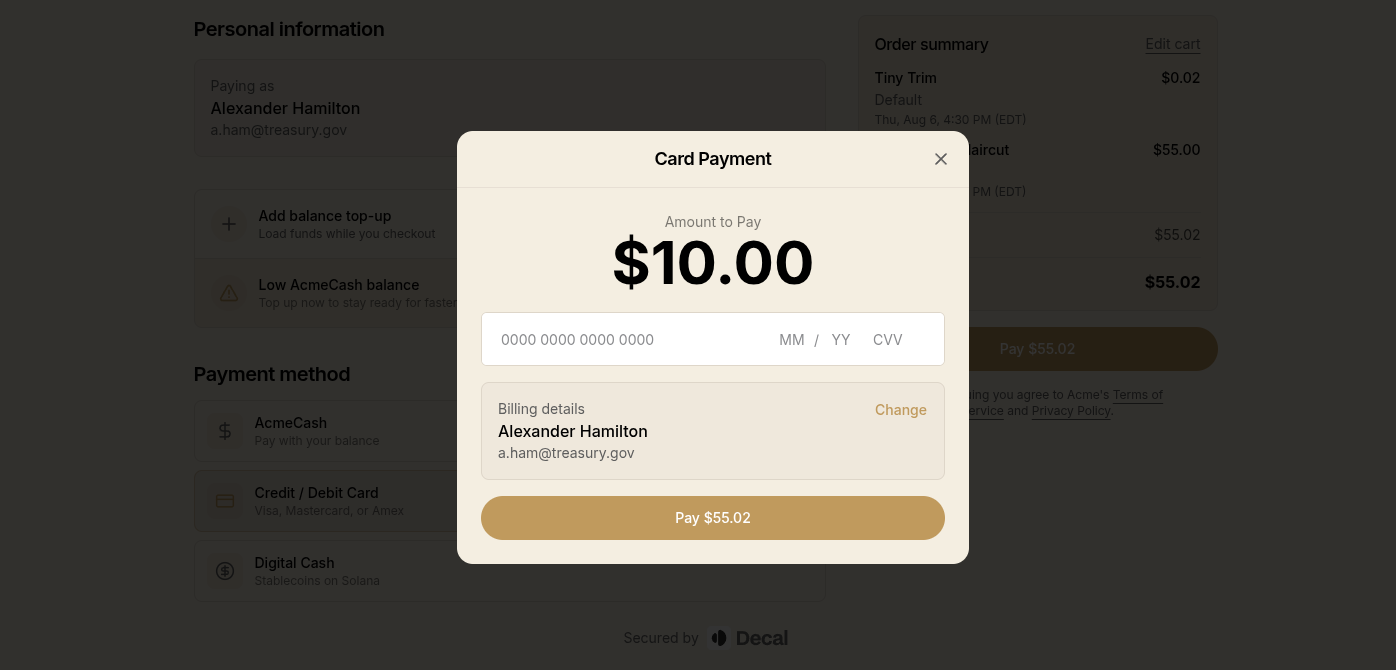
Card billing names stay separate from the customer record. The name on the card can belong to
someone else (a spouse's card, for instance), so only the name entered in checkout's personal
information is saved to the customer.
One Line of Legal Links, Not Two
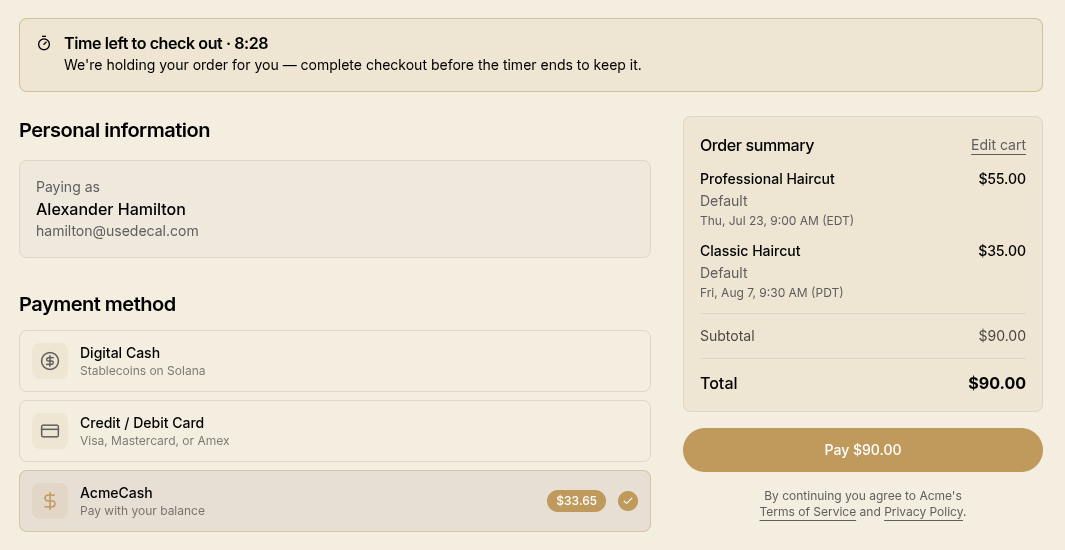
Customers signing in used to see two competing sets of legal links: Decal's Terms of Service and
Privacy Policy, followed by a second copy of yours in the same sentence. Every checkout and sign-in
surface now shows a single line: "By continuing, you agree to the Terms of Service and Privacy
Policy."
When both Decal and your business have a document for one of those, clicking the link opens a short
list so your customer can pick either one. When only one exists, the link opens it directly.
Checkout shows this line even if you have no policies configured, where it previously showed nothing
at all.
More Room and More Time for Bank Verification
Following on from
the bank verification work,
the verification step during card checkout now waits a full 30 seconds before offering the manual
Continue button, so a customer still typing in a one-time code isn't prompted to skip ahead
mid-verification. When the button does unlock, it says why: "This is taking longer than expected. If
you finished verifying with your bank, continue here."
The verification window is noticeably larger on desktop, giving the bank's page more room, and
Cancel sits beside the primary button on one line rather than stacked underneath, which hands
that vertical space to the bank's page as well.
On a phone, the bank's page runs edge to edge. On screens too narrow to fit it, the page scales down
just enough to fit, so pages built for a desktop browser no longer get cut off on the right with the
Submit button stranded off-screen. Screens wide enough for the page are left alone.
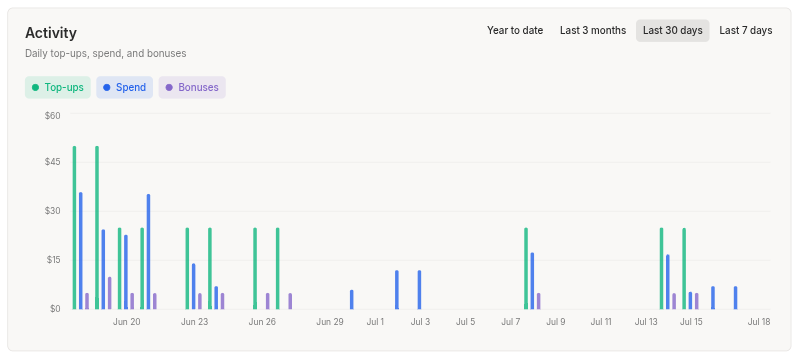
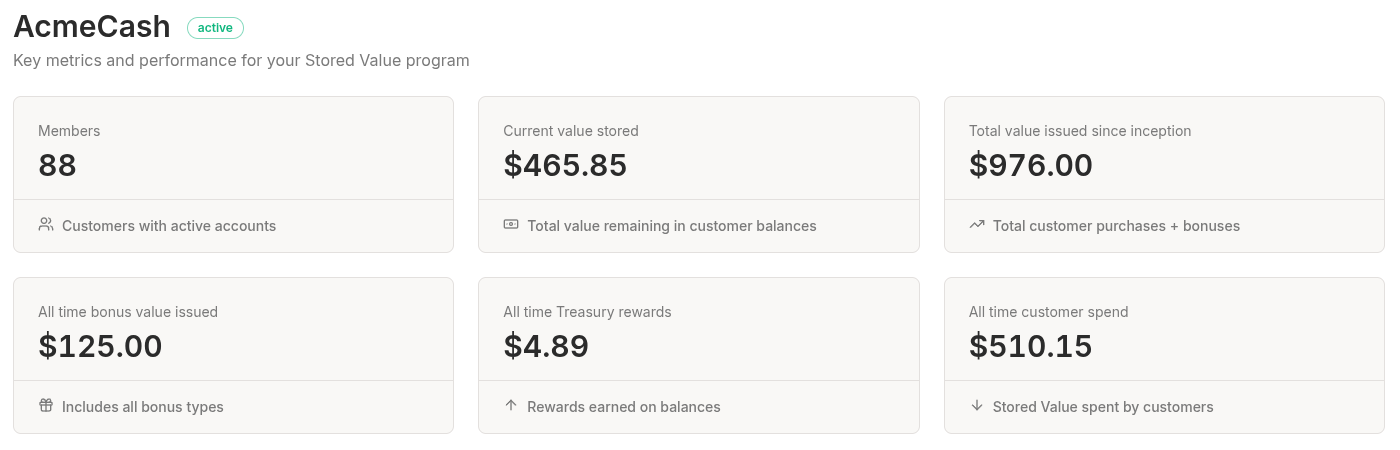
Small Treasury Balances Start Earning
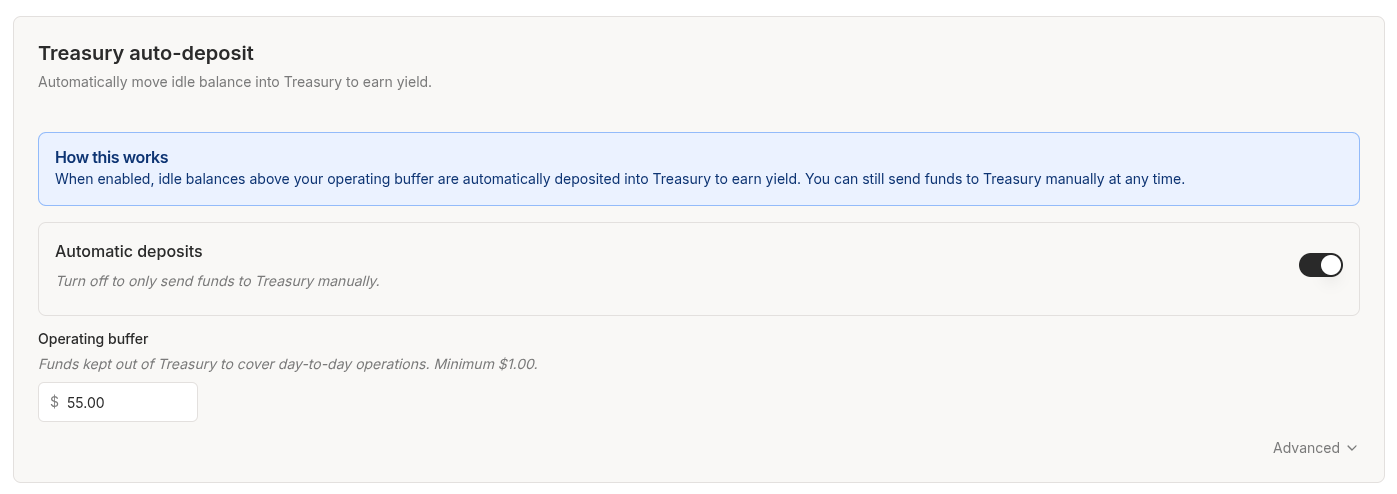
Treasury auto-deposit moves small balances now instead of leaving them idle. With
rewards switched on you could sit indefinitely with a few dollars in your wallet and nothing
happening, because anything under $5 was held back by a conservative platform minimum that wasn't
shown anywhere. That minimum now matches the actual deposit minimum, so those balances start
earning.
The Treasury settings page states the minimum directly, so a balance too small to move is
explained rather than silent.
Business Details Are Quicker to Fill In
Your business profile's dropdowns are searchable. Type to filter entity type, country, tax ID type,
account purpose, source of funds, and owner role or title instead of scrolling a long list.
The MCC and secondary industry code pickers are searchable too, with curated code lists behind them.
The secondary code list follows your country of incorporation (NAICS, UK SIC, or free text), and the
label in the review summary changes to match.
Your tax ID has a show and hide toggle. Dropdown placeholders read in the muted color rather than
looking like answers you already gave, and review card rows line labels up with the top of
multi-line values.
Decal Logos and Colors in One Place
There's a public branding page at usedecal.com/branding with downloadable Decal logos,
click-to-copy color values, and naming guidelines. Send that one link to a partner, a payment
processor, or press instead of assembling assets by hand. Dark-mode logo, lockup, and wordmark
variants ship alongside the existing light-mode files, in SVG and PNG.
Minor Improvements
- Teammates show by name or email. Activity, API key, and wallet lists identify a teammate
without a display name by their email address instead of an auto-generated handle. Team settings,
invite emails, invite links, and the sidebar account menu do the same, so auto-generated handles
no longer turn up anywhere in team management.
- Enabling an add-on checks your website pages first. Turning one on from Products & Add-ons
runs the same page-conflict check the rest of the dashboard already did.
- The Checkout button on booking pages shows a loading state while the cart page loads, matching
the cart page's own Checkout button.